
1. Navigate to the Standard Process website.
2. In the upper-right corner, click "Log in"

3. Enter your email and password.
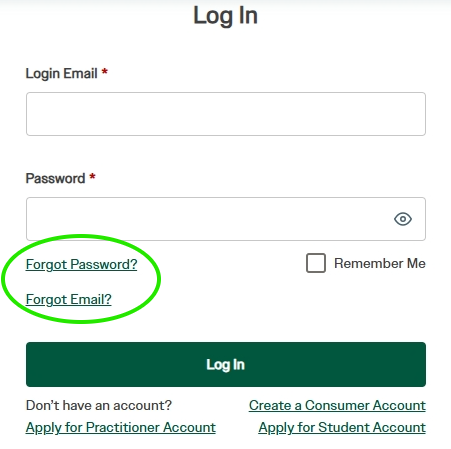
If you forgot your password, click “Forgot Password?” and follow the corresponding steps. If you forgot your email, click “Forgot Email?” and follow the corresponding steps.
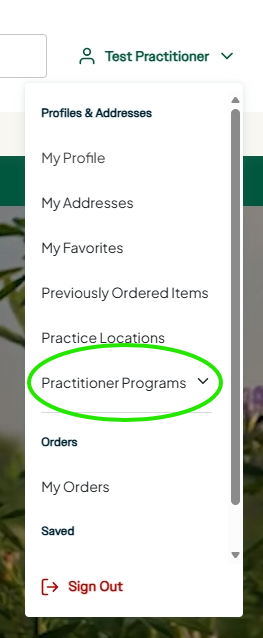
4. After logging in, click your name in the upper-right corner, then click "Practitioner Programs" on the dropdown bar when it appears.
5. Click "inSITE," then click "Website Configuration."
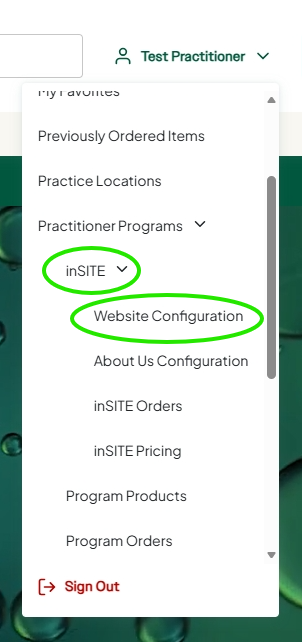
You are now logged into your inSITE admin dashboard, enabling you to customize or update your site, access reports, and manage products.
For any additional assistance, please email insite@standardprocess.com.