
Abandoned cart emails are important because they help recover sales that would otherwise be lost by reminding customers who showed interest but did not finish checking out. They re-engage customers who may have been distracted or unsure, and boost conversions with minimal effort.
Follow these instructions to set it up
1. Log into your Shopify account as an administrator
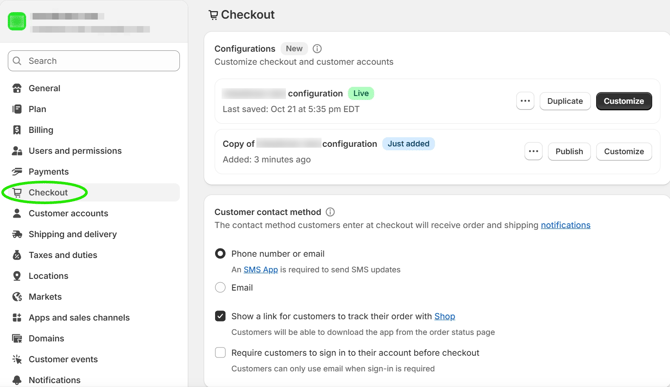
2. Click on the "Settings" tab on the bottom left of the screen
3. Click "Checkout"
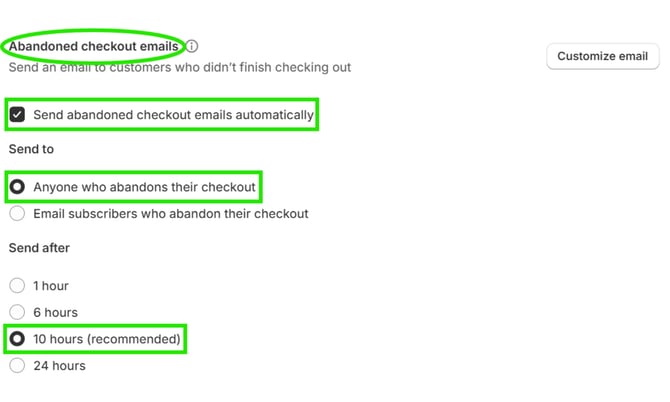
4. Scroll down to the "Abandoned checkout email" section
5. Click "Send abandoned checkout emails automatically"
6. Click "Anyone who abandons their checkout"
7. Decide when you want the abandoned cart email to be sent and select that option. Shopify recommends 10 hours.
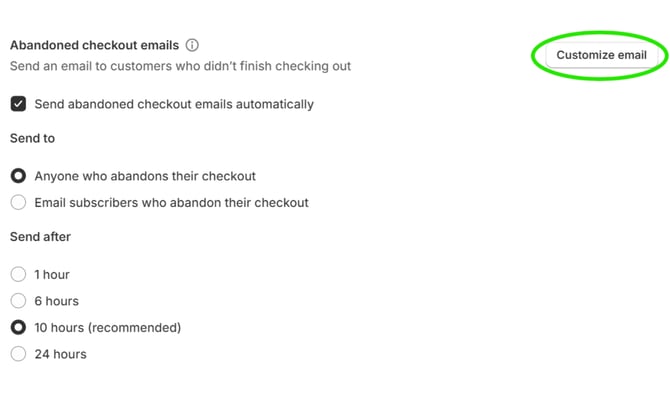
8. To customize the abandoned cart email, click "Customize email"
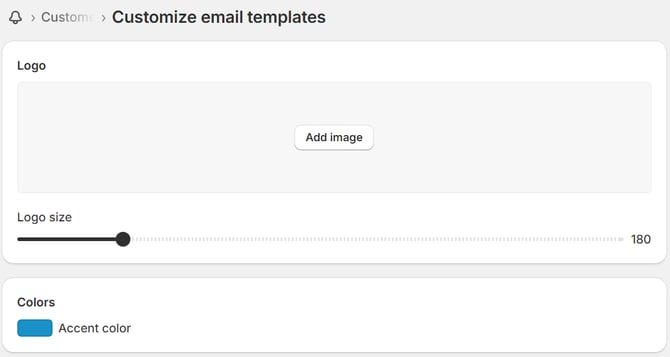
9. Click "Customize email templates"

10. On this page, you can add a logo and customize the accent color of the email
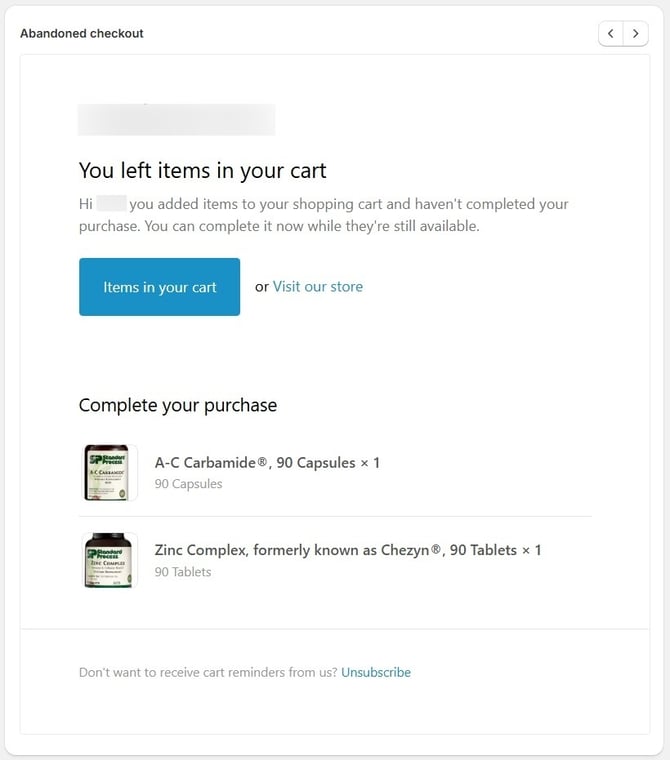
Below is an example of what the email will look like.
11. Click "Save" at the top of the screen