
Standard Process provides a variety of digital assets designed for use by healthcare practitioners including:
- Standard Process Brand Guidelines
- Standard Process Logos
- Campaign Display Banners
- Social Media & Farm Photos
- Videos
- Product Photos
These resources can help strengthen social media efforts and enhance website content with consistent, high-quality materials.
How to Access the Digital Assets
You can access these materials by logging into your Standard Process account using this link.
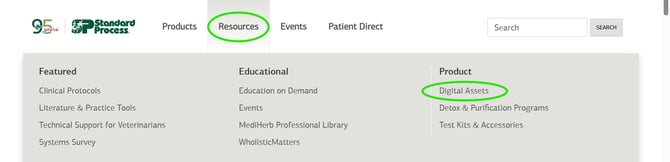
If you are already logged into your Standard Process account, you can find them by clicking "Resources" on the main navigation menu, then clicking "Digital Assets."
How to Download the Digital Assets
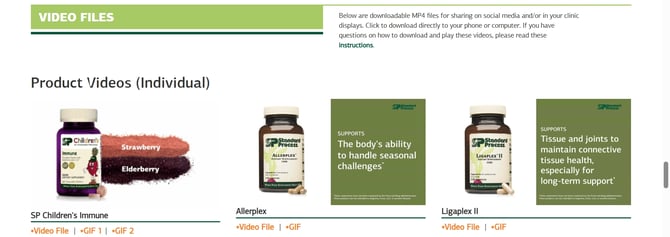
For most of the assets, you can click the orange text at the bottom to download them directly to your device.
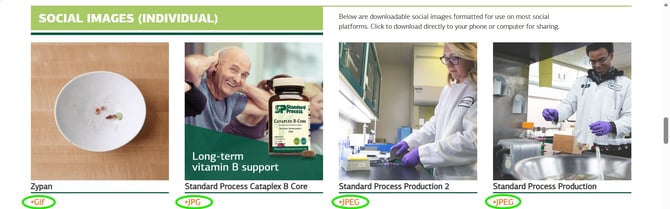
Some assets are available in multiple formats. Choose the format you want, then click it to download.
Product Images
To access the product images, you will be prompted to enter your email address when you click on the link to each brand.
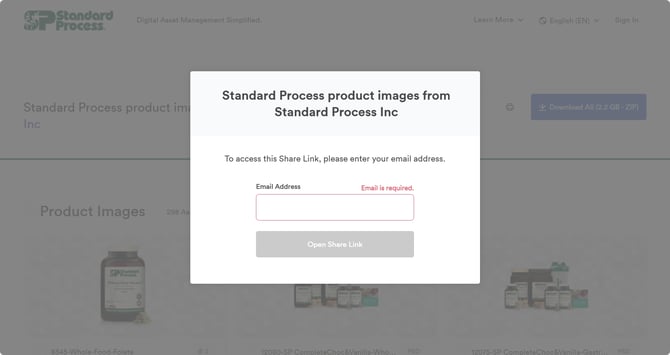
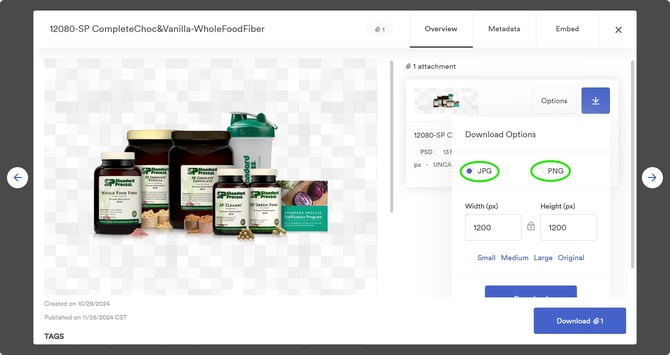
When you find the product image you want, hover over the image and click "View." From there, you can download the file as a JPG (white background) or PNG (transparent background).
If you need further assistance, you can contact insite@standardprocess.com.